
Your team starts Monday by opening three different apps just to find a document, check a policy, and ask for a day off. Sound familiar?
This is the quiet way companies lose time every single day. People spend hours looking for stuff, miss important messages, and finally just stop believing in the tools the company gives them. It’s not a big loud problem, but it slowly makes everything harder and everyone a little more frustrated.
A custom intranet fixes all that. It’s not some boring dashboard everyone has to use. It’s one simple place built exactly around how your real team works. No boring templates, no extra stuff nobody wants, and no forcing your way of doing things to fit someone else’s program.
Here’s a simple, straight-to-the-point explanation of what a custom intranet is, why it’s better than the ready-made ones, what really matters when you build it, and how to do it right without messing up.
What Is a Custom Intranet?
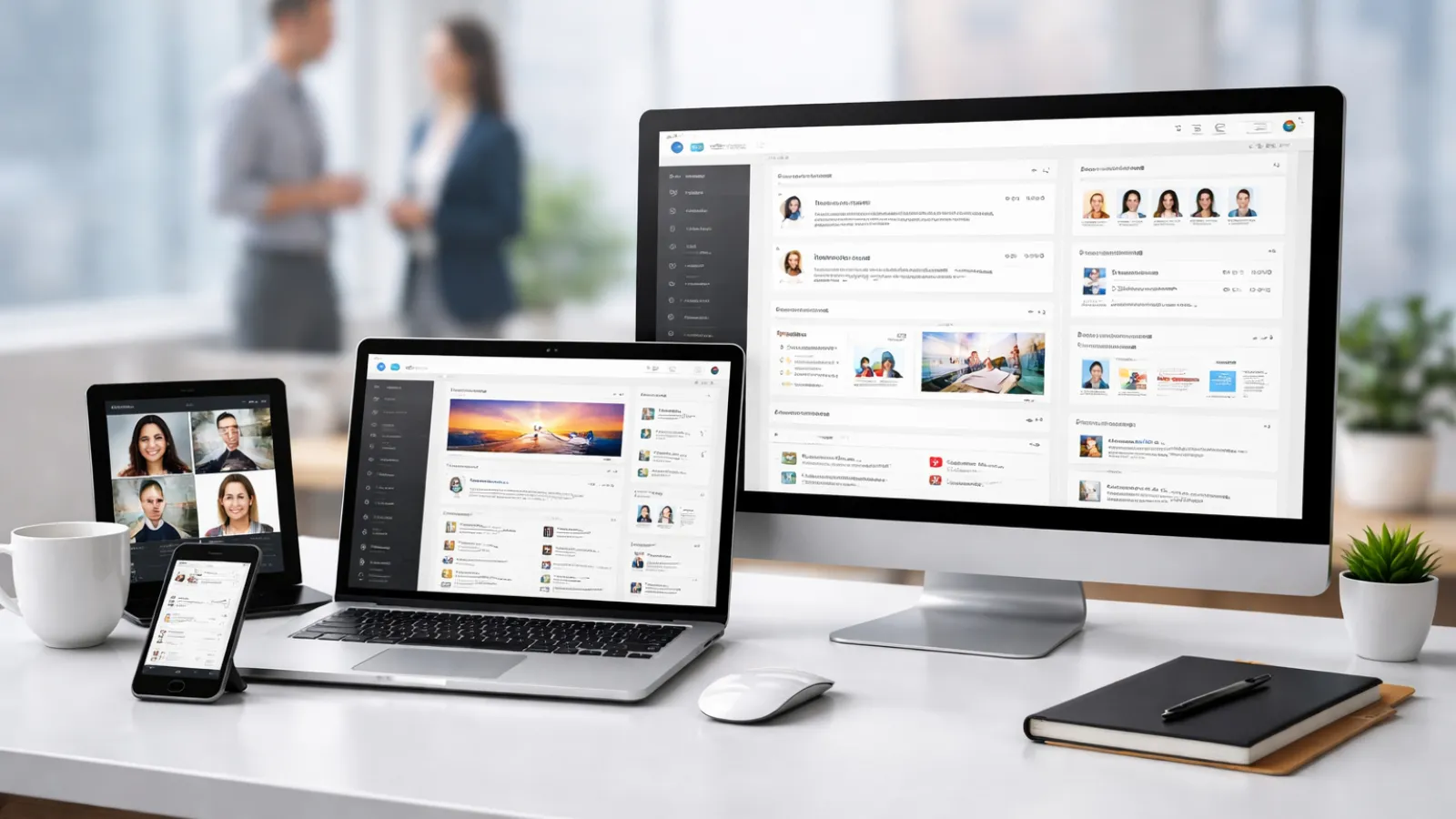
It’s a private website made just for your company. It’s the main spot for talking to each other, sharing files, HR stuff, news, and working together. Everything is made to fit your team’s way of doing things, your company culture, and the other programs you already use.
“Custom” means it’s built from scratch to match exactly how your people work. It doesn’t force them to change.
What It Usually Looks Like
- A nice employee page where you only see what you’re supposed to see
- Good system for keeping all documents in one place (no more “which version is this?”)
- News and announcements that people actually read
- Easy HR tools like asking for leave or new-hire paperwork
- A search bar that finds anything fast
- Simple connections to Slack, Teams, or your HR system
It’s like your company’s own private internet, made for your people.
Custom vs. Off-the-Shelf Intranets
| Factor | Custom Intranet | Off-the-Shelf (like SharePoint or Confluence) |
|---|---|---|
| Flexibility | Made exactly for how you work | Only a little you can change |
| Long-term cost | Costs more at first but cheaper later | Cheaper at first but keeps charging you |
| Integration | Connects deeply with anything | Only has ready-made connections |
| Scalability | Grows exactly the way you need | Can hit limits and make you upgrade |
| Branding | Looks 100% like your company | Stuck with the company’s templates |
| Security & Compliance | You control everything | Depends on the company that made it |
| User adoption | Made for how your team actually works | Your team has to learn their way |
For most growing companies with their own special ways of working, real rules they have to follow, or big growth plans, the custom one almost always ends up better after two years. The ready-made ones look cheaper at first but cause more headaches, extra work, and people just ignoring it.
What Actually Matters in a Custom Intranet
Forget the long list of cool features salespeople show you. Only build the stuff that actually stops the daily headaches your team has.
- Employee directory — Type a name and boom, you see their job, phone, and team. No more digging through old chats or emails.
- Document management — One safe place for every file with versions and the right permissions. Everyone trusts it instead of asking “where’s the latest one?”
- News and announcements — Short, clear updates that people actually read.
- Lightweight task and project tracking — So teams don’t have to switch between a million apps.
- Search that works like magic — The one thing that decides if people open the intranet or just ask a friend.
- Mobile-first access — Super important if anyone works from home or outside the office.
- Simple analytics — So you can see what’s being used and keep making it better.
Anything extra like AI or fancy language options only matters if your team really needs it right now.
Real Benefits (That You Can Actually See)
- Communication gets way easier — no more “did you see that email?” mess.
- People feel more in the loop, so they’re happier and more involved.
- All the important knowledge stays in one easy place instead of lost in folders or people’s heads.
- Your other tools connect nicely so you don’t keep jumping around.
- Security and rules are built in from the start — no fixing it later.
How to Actually Build One (7 Simple Steps)
- Be super clear on why you’re doing this first.
Are you fixing onboarding, communication, or losing important info? Write it down or you’ll waste time later. - Look at all your current tools and find exactly where people are wasting time.
- Talk to real people early — HR, IT, and the regular workers.
Most projects fail because IT builds it for themselves instead of for the humans who use it every day. - Pick the right tech.
Drupal is still really good for big companies. React with a headless CMS feels modern and clean. Just pick what fits your own plans, not what’s popular on Twitter. - Make it easy to use before you add a bunch of features.
If it’s confusing to navigate, even a pretty intranet will just sit there unused. - Build it in short steps.
Get a basic working version out in 8–12 weeks, show it to people, and fix things based on what they say. - Remember launch day is just the start.
Do training, check real numbers, celebrate small wins, and keep making it better.
Mistakes That Kill Most Intranet Projects
- Building it for the IT team instead of the people who use it every day
- Forgetting to make it work great on phones (half your team will ignore it)
- Adding too many features nobody asked for
- No one in charge of updating stuff (it gets old and boring fast)
- Thinking “we’ll just train everyone” fixes everything — changing habits takes real work
- Walking away after launch like the job is finished
A good partner can help you avoid most of these mistakes before they cost you time and money.
Quick FAQs
What’s the difference between a regular intranet and a custom one?
A regular one is any internal website. A custom one is made specially for your team’s way of working, your look, and your tools.
How long does it take?
A basic version can be ready in 8–12 weeks. A full one usually takes 4–6 months.
How much does it cost?
More money at the beginning than ready-made ones, but usually cheaper over 3–5 years when you count all the fees and wasted time.
What platform is best?
There’s no perfect answer for everyone. Drupal is great for safety and flexibility. React plus headless CMS feels modern. Pick what matches your future plans.
Can it connect with our existing tools?
Yes! That’s one of the biggest reasons to go custom. It works with SAP, Workday, Jira — whatever you already have.
How do we make sure people actually use it?
Get them involved from the beginning, launch with things they asked for, and keep fixing it based on real use. Getting people to use it is about design, not just sending an email.
Final Thoughts
A custom intranet isn’t just for huge companies anymore. It’s one of the smartest things any growing company can do if you want your team to stop wasting time searching and start getting real work done.
If your tools feel all over the place, just start with a quick check of what you have and talk to a few people. Everything else gets easier after that.
(And if you want help from someone who’s done this a bunch of times, Valuebound knows how to build intranets that people actually like using — with real results, good connections, and money saved. But the most important thing is starting with your people, not just the tech.
