
Managing people is not easy. Managing people when your company gets bigger with many departments different offices and all kinds of jobs is even harder.
Spreadsheets break down. Email chains get lost. HR teams waste half their week chasing approvals that should take only minutes. Managers make choices with missing information because the data they need sits in three separate systems that do not talk to each other.
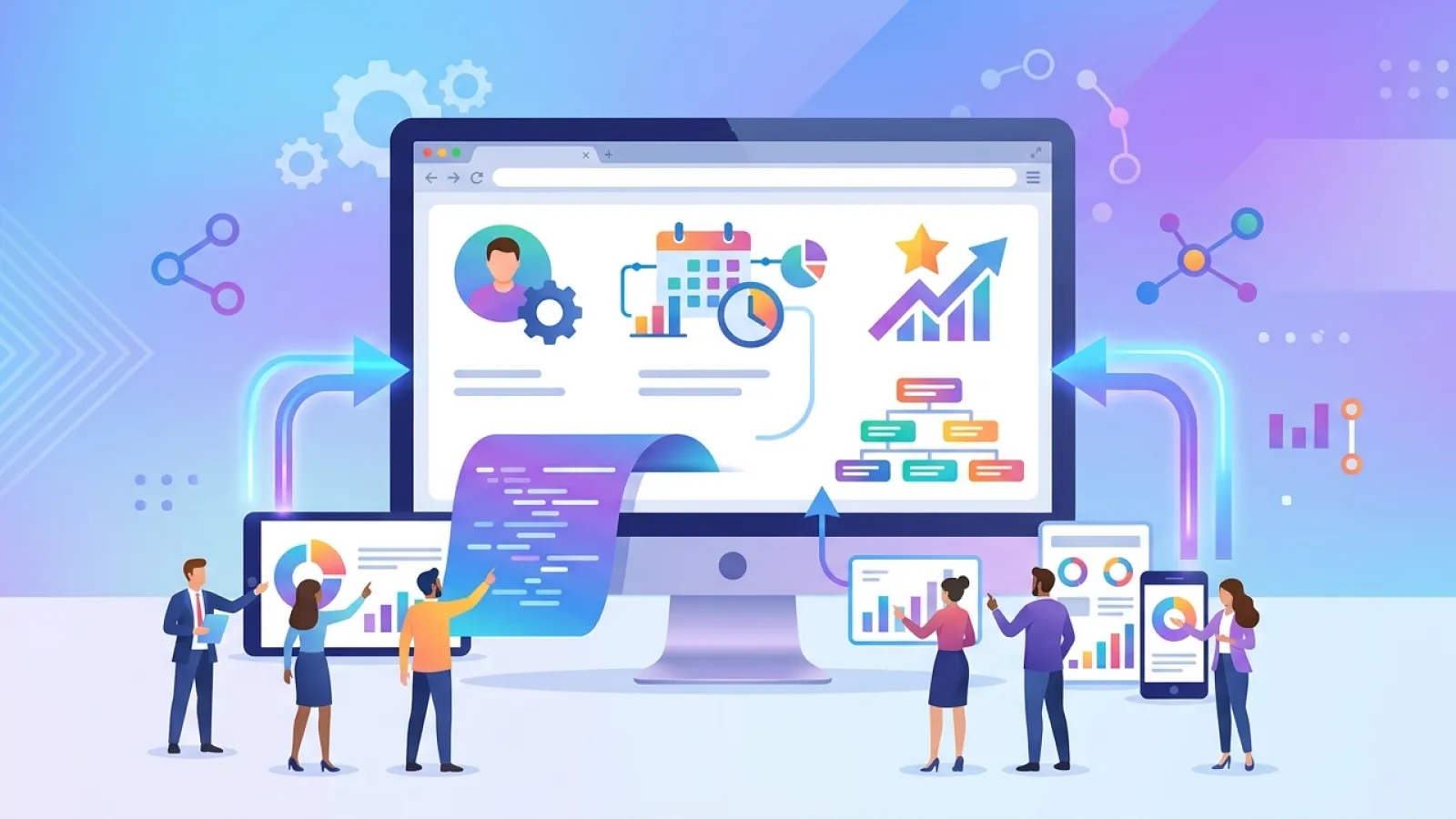
An employee management system web application fixes exactly these problems. It puts everything about your workforce into one easy safe and useful place. From new hire onboarding and attendance to performance reviews and payroll links the right system changes how your whole company works.
This guide explains what these systems really do what good ones look like and how to decide if you should build one or buy one.
What Is an Employee Management System Web Application?
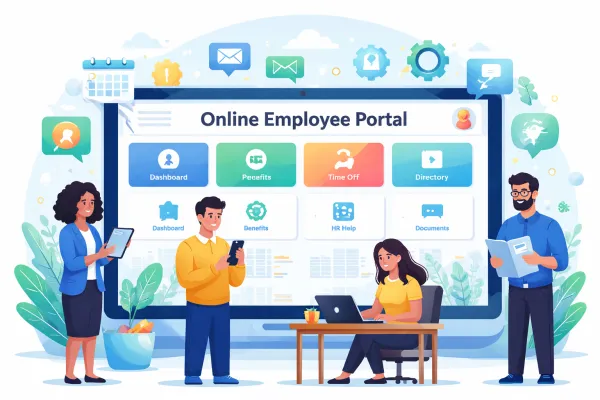
An employee management system web application is a website based tool that brings all the main parts of running a workforce together in one spot. It works in any browser so people can open it from a phone laptop or desktop anywhere without installing anything.
It acts as the one main place for all employee information and tasks. HR uses it to keep records track attendance handle payroll and stay on top of rules. Managers use it to watch performance approve requests and see team workload. Employees use it to ask for time off check their payslip update their info and finish training.
What Makes It Different from Basic HR Software
Old HR software usually does one thing really well like payroll or hiring or attendance. Then companies have to connect many different tools for everything else. An employee management system web application handles the full employee journey in one place from the first day someone is hired until they leave.
The web part matters because it makes access simple. No downloads no old version problems and no limits on devices. Everyone uses the newest version through their browser and updates happen in one place without stopping anyone’s work.
Why Your Organization Needs One
The reasons for an employee management system show up fast when you see what broken HR steps really cost.
Time wasted on manual work
HR teams without a good system spend hours on jobs the computer should do by itself. Updating records by hand chasing leave approvals in email pulling attendance from paper sheets and making reports one by one all add up every day.
Mistakes from keeping data in different places
When employee info lives in spreadsheets and separate systems mistakes happen. Wrong salary in payroll. Wrong leave balance from an old record. A rule document that never got filed right. These mistakes hurt employees and create big problems for the company.
Bad experience for employees
People notice when HR steps feel slow. A leave request that takes five days to get approved. Not being able to see your own payslip without sending an email. No easy way to check your past reviews or training. These little problems lower morale and show the company is not caring about their experience.
Risk with rules and laws
Following employment laws needs good accurate records. Companies using spreadsheets email and paper files often miss things that can lead to legal trouble.
A well made employee management system web application fixes all these at the same time and pays for itself with the time and mistakes it saves.
Core Features of an Employee Management System Web Application
The exact features you need depend on how big and complex your company is. But these are the main ones that every good system should have.
- Employee Database
- Attendance Tracking
- Leave Management
- Payroll Integration
- Performance Management
- Recruitment and Onboarding
- Training Management
- Document Management
- Analytics and Reporting
- Role Based Access
Custom Build vs Off the Shelf: Which One Makes Sense?
This choice affects everything else. Both ways have good points and the right one depends on your company.
| Factor | Off the Shelf | Custom Build |
|---|---|---|
| Time to Launch | Weeks | Months |
| Upfront Cost | Low to medium | Medium to high |
| Long term Cost | Keeps charging fees | Lower total cost over time |
| Fit to Your Processes | You change your steps to fit the tool | Tool changes to fit your steps |
| Integration Depth | Ready made links | Any system through API |
| Ownership | The seller controls the tool | You own the tool completely |
| Scalability | Can hit limits on fees or features | Grows exactly how you need |
| Compliance Control | Depends on the seller | Full control over your data rules |
Valuebound helps companies decide this exact question. Whether you need a full custom employee management system web application or a big upgrade to an existing tool Valuebound has the skills to get it right. Start the talk here.
How to Build an Employee Management System Web Application
If custom building is the right choice for your company here is how a good project usually goes.
Phase 1: Discovery and Requirements Definition
Start by drawing out every HR step the system must handle. Talk to HR teams managers and employees from different departments and offices. Write down the current ways of working including the painful parts workarounds and special cases that ready made tools usually miss.
Decide what must be ready on day one and what can wait. Clear choices here stop the project from growing too big and get the main system live faster.
Phase 2: System Architecture and Technical Design
Before any coding design how the whole system will work. This includes the database setup API design login system connections and where it will live. Good choices now stop expensive fixes later.
For an employee management system web application safety design needs extra care. Employee info is private. Encryption for stored and moving data safe login full logs and role based access must be planned from the start not added later.
Phase 3: UX and Interface Design
HR tools often work okay but feel hard to use. A nice easy interface makes people actually want to use it. Spend time on real user tests and sample screens before coding begins.
Design for every kind of user. The simple phone friendly page for a worker asking for leave. The strong data rich dashboard for an HR leader. These need different thinking.
Phase 4: Agile Development in Sprints
Build in short two week pieces with working parts shown and checked at the end of each piece. This keeps everyone involved catches problems early and makes sure the final tool comes from real feedback not guesses made at the beginning.
Start with the most important core parts like employee profiles attendance and leave. Performance training and reports come in later pieces.
Phase 5: Integration Development
Link the system to the other tools it must work with. Payroll systems fingerprint machines chat tools and login systems all need careful connections. Test each one under real conditions before saying it is done.
Phase 6: Testing and Quality Assurance
Test every part on different browsers phones and user types. Check how it handles many people using it at once. Run safety tests to find weak spots before it goes live. Let real HR people and employees from different teams try it and give feedback.
Phase 7: Phased Rollout and Training
Roll it out in stages instead of everything at once. Start with one department or office. Gather feedback fix issues and build confidence before the whole company switches. Run training for HR managers and employees that matches what each group will actually do.
Phase 8: Post Launch Support and Iteration
Watch the system closely in the first weeks after launch. Fix problems fast and show people you did. Collect real feedback from users. Use numbers to see which parts are not used and why. Make a plan for ongoing improvements based on real use not guesses.
Technology Stack Considerations
The tech choices for an employee management system web application depend on what your company already uses what your team knows and what you will need later. Here is a simple view.
Frontend
Most modern systems use React Angular or Vue.js. These make fast nice looking pages that work on any device. React is the most common for big company tools right now.
Backend
Node.js Python with Django or FastAPI Java with Spring Boot and PHP with Laravel all work well. The best one depends on your team skills and how many people will use it at once. Java and Python handle big data loads very well.
Database
PostgreSQL is a strong pick because it is reliable good at complex questions and handles many connections. MySQL is also solid. For heavy reporting many systems use one database for daily work and another for reports.
Cloud Infrastructure
AWS Google Cloud and Microsoft Azure all host these systems well. Pick the one your company already uses. Using containers with Docker and Kubernetes makes it easy to grow and update.
Security Components
Use JSON Web Tokens or OAuth 2.0 for login. HTTPS for all traffic. Strong encryption for stored data. Regular safety checks and tests. These are must haves for any system with private employee info.
Security and Compliance in Employee Management Systems
Employee data is some of the most private info a company holds. Safety and rule following must be built in from the first day not added later.
Data Protection Requirements
Depending on where you are and what industry you are in the system must follow rules like GDPR in Europe PDPA in India HIPAA for US healthcare and other local laws. Each has rules about where data is stored who can see it how long to keep it and employee rights to their own info.
Access Control Architecture
Role based access must be detailed enough that employees see only their own data managers see their team data and private info like pay or discipline is seen only by the right HR people. Every view and change must be logged with time and user name for checks.
Data Encryption
All employee data must be encrypted when it moves and when it sits. HTTPS is the basic for moving data. Database encryption protects stored data. Extra care goes to very private fields like ID numbers bank details and health info.
Audit Trails
A full log of every change to employee records is needed for many rules and also helps fix mistakes. Log who changed what from what to what and when.
Regular Security Testing
Do safety tests and checks at least once a year and after any big change. Fix problems fast and keep records for rule following.
Common Mistakes to Avoid
- Skipping deep requirements talks
- Designing only for HR
- Underestimating integrations
- Adding security at the end
- Launching everything at once
- No plan for data migration
- Ignoring mobile users
- No ownership after launch
Quick Questions People Ask About Employee Management System Web Applications
What is an employee management system web application?
It is a website tool that brings all HR jobs together like keeping employee records tracking attendance handling leave payroll performance and rule reports. It works in any browser so anyone can open it from any device and everyone always has the newest version.
How much does it cost to build a custom employee management system?
Prices change with how many features how many connections and who builds it. A basic core system with records attendance and leave usually costs 40000 to 100000 dollars. A full system with performance payroll hiring and reports can cost 100000 to 300000 dollars or more. Over five years the total cost often beats the yearly fees of big ready made tools when your company is large.
How long does it take to build an employee management system web application?
A focused core build with the main HR parts can be ready in 12 to 16 weeks with clear plans and a good team. A full big company system usually takes 6 to 12 months. Time depends on how many features how many connections and how fast your team can join the talks design checks and tests.
Should we build a custom system or use an off the shelf platform?
Use a ready made one if your HR steps are normal your budget likes lower starting cost and you can live with the limits on changes. Build custom if your ways of working are special your rules need full control over data your connections need more than ready links or your size makes yearly fees too high. The right answer really depends on your company.
What technologies are used to build employee management system web applications?
Common choices are React or Angular for the front page Node.js Python or Java for the back part and PostgreSQL or MySQL for the database. Cloud hosting on AWS Google Cloud or Azure makes it grow easily. Safe login uses OAuth 2.0 or similar. The best mix depends on what your company already has what your team knows and what speed and growth you need.
How do we ensure data security in an employee management system?
Safety must be planned from the first day. This means role based access so people see only what they should encryption for all data when it moves and when it sits full logs of every change safe login with extra steps like two factor and regular safety tests. Talk to your legal team early to make sure it follows all the data rules for your place and industry.
Can an employee management system integrate with our payroll and other HR tools?
Yes. Connections are one of the main reasons to have a good system. Through APIs and special links it can share data with payroll machines fingerprint readers hiring tools training systems chat tools and login systems. List all your connection needs early because they change how long and how hard the build is.
What is the difference between an employee management system and an HRMS?
The words are often used the same way and they describe very similar tools. HRMS means Human Resource Management System and usually covers bigger planning like future hiring and career paths along with daily HR work. Employee management systems focus more on day to day tasks. The difference is less important than making sure the tool does exactly what your company needs.
Conclusion
An employee management system web application is a tool that touches every person in your company every day. Getting it right matters more than most tech choices HR or IT teams make.
The right system removes the hand work that eats HR time cuts the mistakes that create rule problems and gives the easy self service experience employees expect from a modern company. It gives managers real numbers for better choices and gives leaders the clear view they need to plan ahead.
Whether you build custom or use a ready tool the things that make it succeed are the same. Start with a deep look at what your people really need. Design for every user not just the admins. Build safety in from day one. Roll it out step by step and keep making it better.